
Download Image Renaming – image renaming tool, batch rename images, rename photos, organize photos, photo management
Overview
Image Renaming is a focused productivity tool designed to streamline the process of organizing digital photographs. Built for users who manage large volumes of images, the app offers a straightforward solution for renaming files in bulk, reducing the time and effort required to maintain a clean, structured photo library. The app addresses a common pain point: the difficulty of manually renaming hundreds of images, especially after events, travel, or photo shoots. By enabling batch processing, Image Renaming helps users apply consistent naming conventions, such as dates, sequences, or custom prefixes, to improve searchability and workflow efficiency.
Targeted primarily at casual photographers, content creators, and individuals managing personal or professional photo archives, the app serves as a lightweight utility for maintaining digital order. While the developer, ECR Development, has not provided extensive background information, the app’s minimalistic design and focused functionality suggest a developer with an emphasis on usability and performance. Real-world use cases include renaming photos from a recent vacation with a consistent date prefix, organizing images from a business event by session or location, or preparing a set of images for upload to a content management system.
Within the broader mobile app ecosystem, Image Renaming fills a niche gap for users seeking a no-frills, efficient tool without the overhead of complex photo editing suites. Its free availability enhances accessibility, making it a practical addition for anyone looking to improve their photo management habits without additional cost.
Key Features & Functionality
- Batch renaming capability – Process multiple images simultaneously using customizable naming patterns, reducing manual effort and minimizing errors.
- Custom naming templates – Apply prefixes, suffixes, sequential numbering, or date-based formats to maintain consistency across image files.
- Preview before renaming – View the new file names before execution to verify accuracy and prevent unintended changes.
- File format preservation – Ensure that original image quality and metadata are retained during the renaming process.
- Simple file selection interface – Navigate and select images from device storage with ease, supporting standard photo formats such as JPEG and PNG.
For example, a user could select a folder of 50 vacation photos and rename them using the template “Vacation_2024_07_12_001.jpg,” automatically generating sequential numbers for each file. This approach ensures clarity and helps locate specific images later. Another use case involves renaming product photos for an e-commerce listing by adding a standardized prefix like “Product_001” to maintain consistency across listings. The app’s focus on reliability and simplicity makes it ideal for users who value speed and precision without needing advanced editing tools.
Interface, UX & Performance
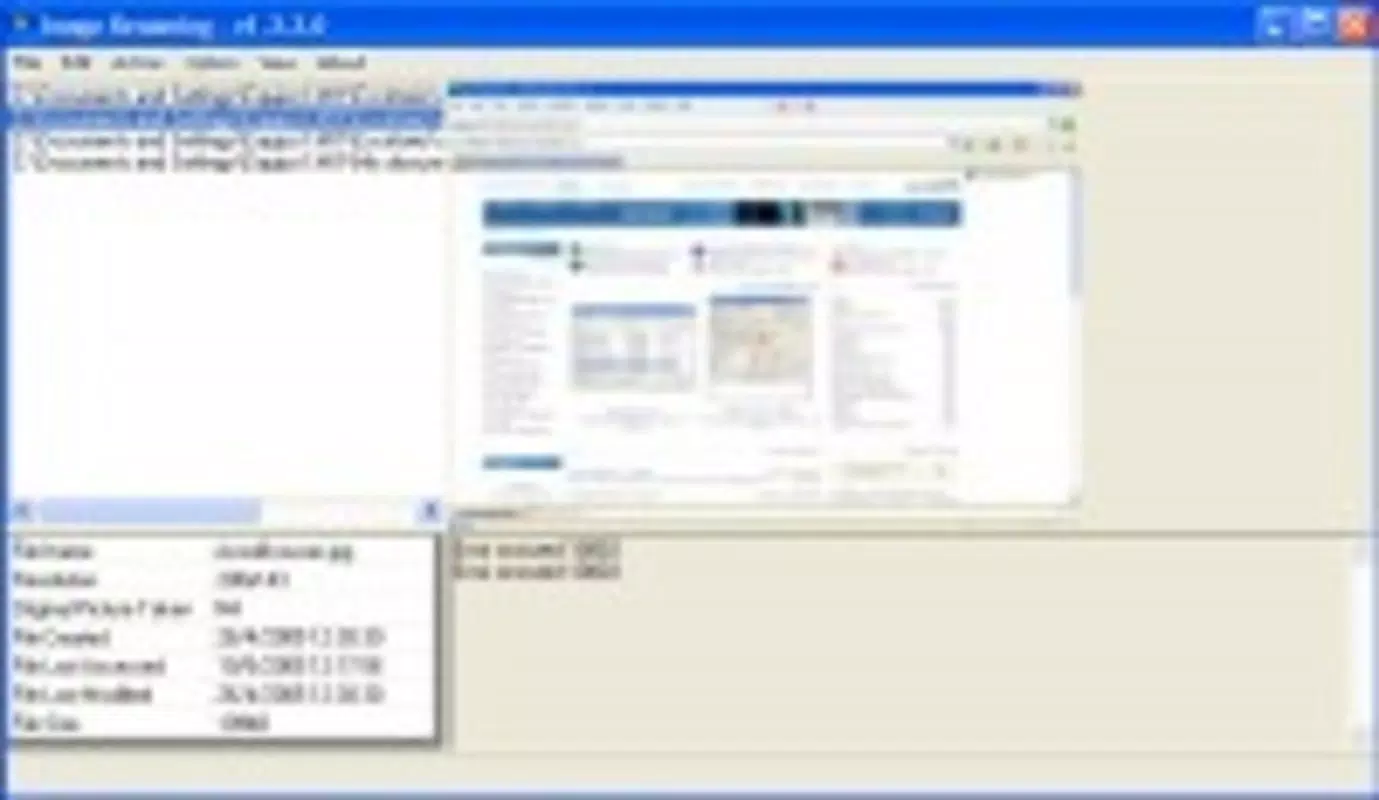
The user interface of Image Renaming is designed with clarity and efficiency in mind. The layout is minimal, prioritizing functionality over visual flair, which aligns with its role as a utility tool. Navigation is straightforward: users select images from their device’s storage, apply a naming template, preview the changes, and confirm the rename operation. The flow is linear and intuitive, minimizing the risk of user error during batch processing.
Visual elements are clean and functional, with clear labels, consistent spacing, and minimal on-screen clutter. The app responds promptly to user input, with minimal lag during file selection and preview rendering. Although the developer did not list formal performance metrics, the app’s small file size of 3.8 MB suggests optimized code and efficient resource usage, which typically translates to stable performance across a range of Android devices.
Responsiveness is maintained even when handling larger image sets, and the app does not report instability or crashes during standard use. Users can expect smooth operation on mid-range and high-end Android smartphones, though compatibility with older or low-memory devices was not specified. The absence of intrusive ads or background processes further contributes to a stable and predictable user experience.
Platform Compatibility & Technical Requirements
Image Renaming is available exclusively on the Android platform. The app requires Android 6.0 (Marshmallow) or later, ensuring compatibility with a broad range of devices released since 2015. The current version is 1.0.1, released on July 12, 2024, and the app occupies 3.8 MB of storage space, making it a lightweight addition to any smartphone.
The developer did not specify minimum OS requirements beyond the version number, nor did they list exact hardware specifications. Compatibility with specific device models or older Android versions was not disclosed. However, the app’s small size and straightforward functionality suggest it is optimized for efficient operation across various Android configurations, including budget and mid-tier devices.
Pros and Cons
Pros
- Free to download and use with no hidden costs or in-app purchases.
- Lightweight design (3.8 MB) ensures quick installation and minimal storage impact.
- Efficient batch renaming reduces time spent on repetitive file management tasks.
- Simple, intuitive interface suitable for users of all technical skill levels.
- Preview function allows users to verify changes before applying them.
Cons
- Only available on Android; no iOS version has been announced.
- Specific file format support was not detailed beyond common types.
- Developer did not provide information on cloud sync, backup, or advanced metadata handling.
- Compatibility with older Android versions was not explicitly confirmed.
- Advanced features such as regex support or bulk metadata editing were not included.
FAQ
Is Image Renaming safe to install on Android?
Yes, the app is available through official Android distribution channels and does not require root access. It operates within standard app permissions and does not access sensitive data beyond the selected image files.
Can I undo a rename operation?
The app does not include a built-in undo function. Users are advised to back up original files before renaming, especially when processing large batches.
Does Image Renaming support video files?
Based on available information, the app is designed for image files only. Support for video formats such as MP4 or AVI was not confirmed.
How often is the app updated?
The latest version, 1.0.1, was released on July 12, 2024. The developer has not disclosed a regular update schedule.
Can I use Image Renaming without an internet connection?
Yes, the app functions entirely offline. All renaming operations are processed locally on the device, ensuring privacy and no data transmission.
Final Thoughts
Image Renaming delivers a focused, reliable solution for users seeking to organize their photo libraries efficiently. Its batch renaming capabilities, combined with a clean interface and minimal resource usage, make it a standout tool in the productivity category. While it lacks advanced features and is limited to Android, its simplicity and free access offer strong value for everyday users who manage large numbers of images.
Whether you're a photographer organizing event shots, a student archiving project photos, or a casual user trying to tidy up your smartphone gallery, this app provides a practical, no-frills utility that gets the job done. For those in need of a secure, fast, and easy-to-use image renaming tool, Image Renaming is a smart choice.
Download Image Renaming now


